The useful APK source is the one whose app, publisher and release you can establish for your device. A universal “best website” ranking does not certify every package on a service. Compare the specific distribution route and file rather than relying on a logo or popularity score.
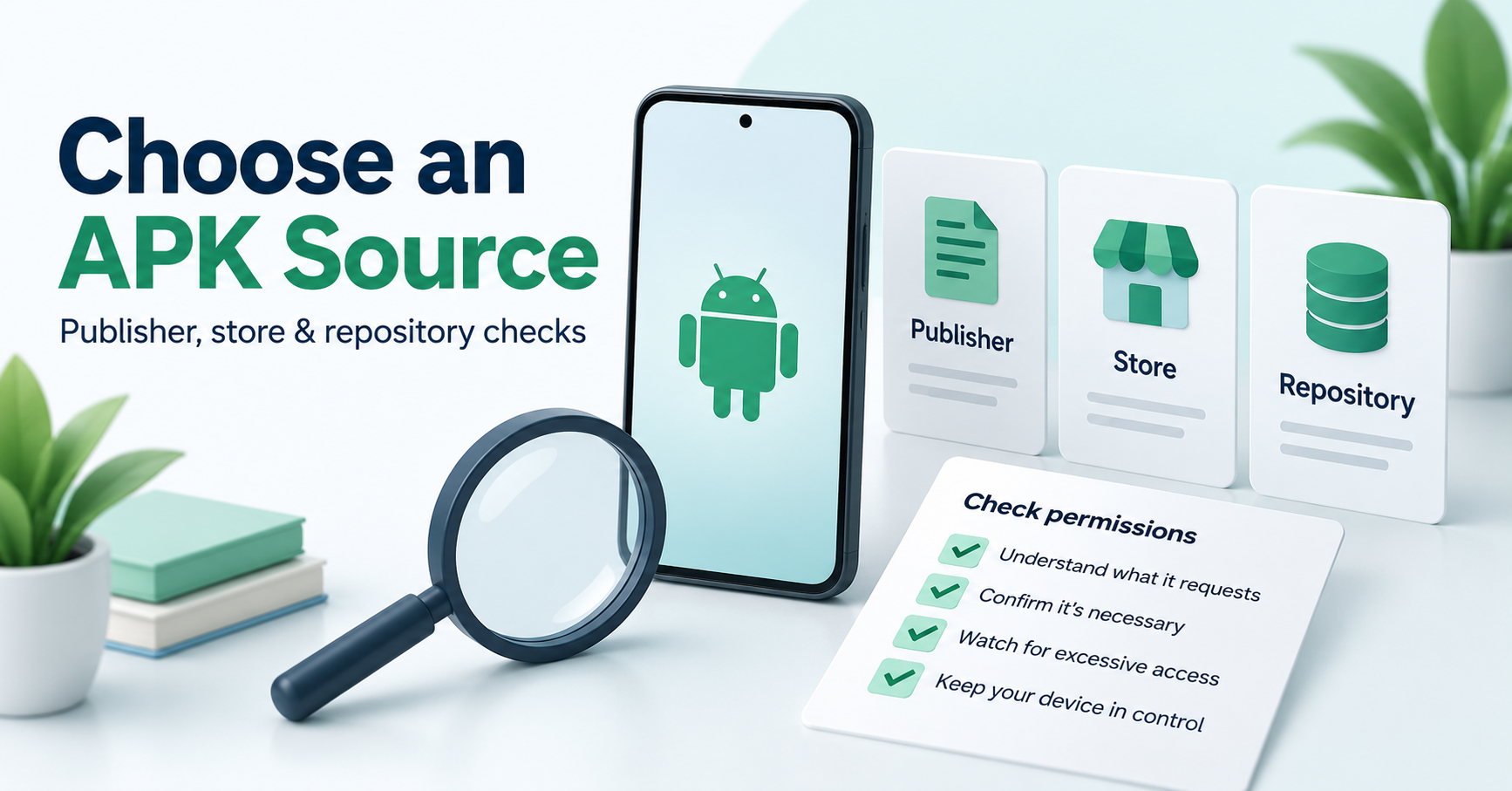
Start with the developer and supported store
Find the developer’s genuine product page and the supported store listing for your device. Confirm the app name, publisher and compatibility information. Where the developer offers a separate package, check its own instructions and release evidence. A paid feature or region-specific service is not automatically unlocked by obtaining another APK.
Google documents its supported app installation workflow. For an APK outside that workflow, use our source and permission checklist.
Compare evidence a repository provides
Look for the exact release, package name, signing identity, supported architecture, minimum operating-system requirements and file format. Check whether a scan report actually corresponds to the file and when it was produced. A ten-second countdown is not a scan.
Some services publish their own verification policies. Read our APKMirror guide, Uptodown guide and APKPure file-check guide for the evidence and limits relevant to each. A vendor’s statement is not an independent audit by this website.
Check the download and update chain
Inspect the destination, expected file type and the publisher relationship. A repository can link to another hosting provider; the final file’s source still matters. Do not treat unrelated advertising buttons or installer offers as the app’s actual download.
An update needs a compatible package and signing source. A similarly named file or a larger version number is not enough. Read our version and signing guide before replacing an installation, and preserve data that may be affected.
Avoid weak evidence and unsupported rankings
HTTPS protects a connection but does not by itself authenticate an app. Search rankings, Reddit comments and user reviews can provide context, but they are not a publisher signature, a device test or a complete security assessment. A “premium unlocked” or “anti-ban” headline also requires evidence for its actual claims.
Frequently asked questions
Which site is guaranteed safe for every APK? No such guarantee is established here. Verify the particular package and permissions, and keep Play Protect enabled.
Does “free download” mean a free licence or subscription? No. A file download, installation and service entitlement are different.
Can a repository fix unsupported hardware? A distribution source does not change the app’s requirements. Follow the publisher’s supported options.
This guide explains source selection rather than reporting a hands-on test or a ranked malware-free catalogue.