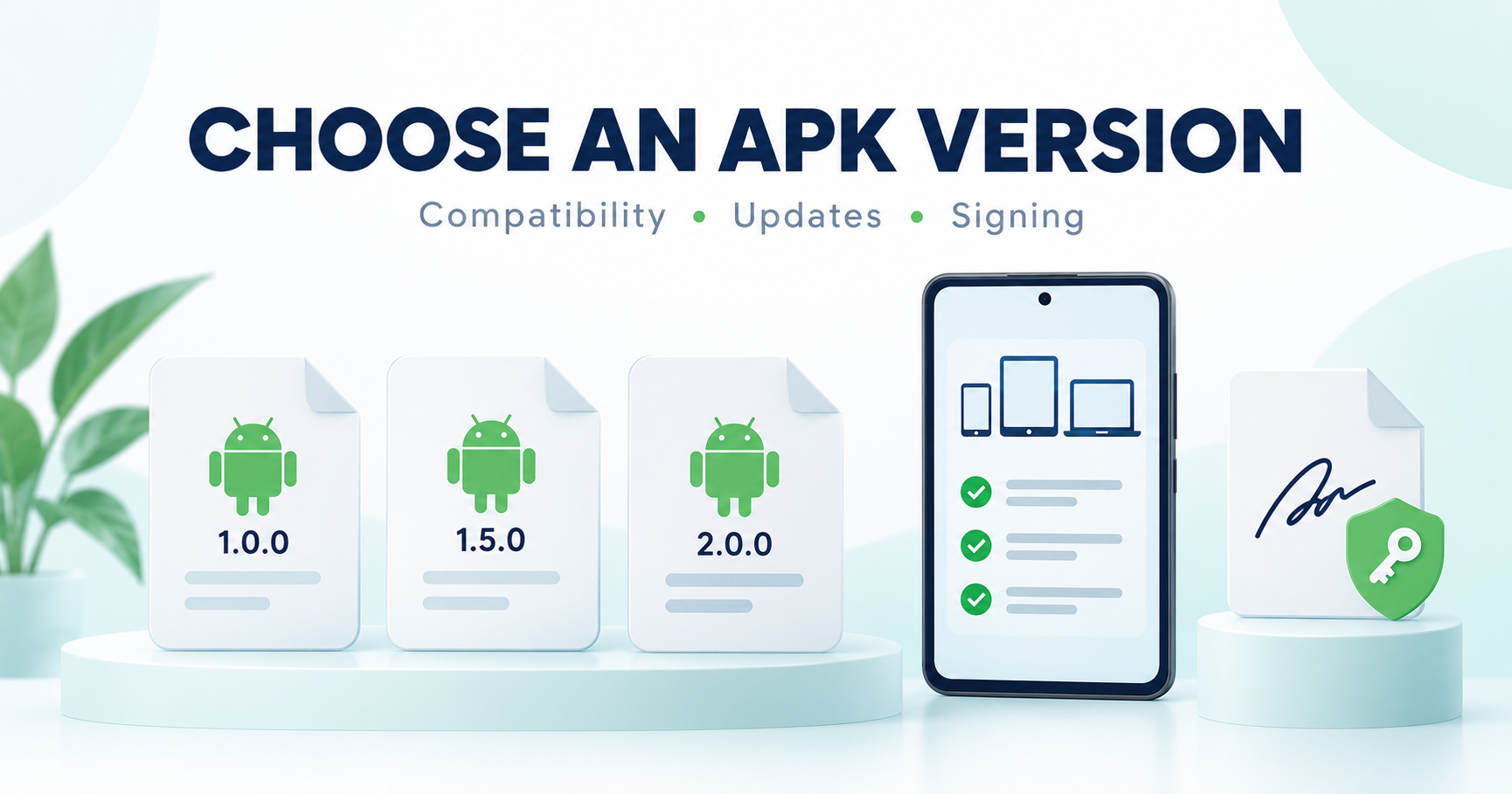
Choose an APK version that matches the app’s genuine source and your device. The highest number or a “latest” filename is not enough. Check compatibility, package completeness and the update path before replacing an installed app.
Use a checked release source
Start at the publisher or genuine store listing. Compare the exact app name, release information and intended platform. A download site’s date is not necessarily a publisher release date, and a filename alone does not establish the origin of a package.
Check your device and package requirements
Compare the current release requirements with your Android version and device information. If the publisher offers variants, use its guidance to choose the right one. Do not assume that an older release is compatible with every older phone or that a newer release supports every device.
Complete APK versus split delivery
Some distribution methods provide a device-specific set of app parts. A base package and its splits need to match the intended release. Android’s app-bundle explanation describes how generated APKs can differ by device. Avoid mixing parts from unrelated downloads.
Updates need a compatible signing path
Android checks signing information for installation and updates. A package from a different signer can conflict with an installed app. Follow the publisher’s update route instead of uninstalling automatically to force a package onto the device. See Android’s signing documentation for the underlying model.
Before switching or rolling back
Protect information stored by the current app and check its recovery guidance. Android or the app may restrict a downgrade, and data created by one release may not work with another. We cannot guarantee that a backup transfers successfully between builds.
For an error, record the package source, intended version, Android version and exact message. Our APK installation guide helps separate compatibility, storage and update conflicts.
Version labels do not establish paid access
An APK release number does not unlock a paid app or subscription. This guide does not offer premium-unlocked files or a method to bypass access controls. For source checks, read our APK trust checklist.
Choosing between arm64-v8a and armeabi-v7a variants? Use our ARM64 vs ARM APK compatibility guide to separate device-supported ABIs from the app’s release number.
Frequently asked questions
Should I always download the biggest version number?
Use a genuine compatible release, not just a number in a filename.
Will uninstalling fix every signing error?
Uninstalling can affect app data. Diagnose the error and check recovery before removing the current app.
Can I mix splits from different releases?
Use a supported complete package set rather than combining unrelated parts.
Have you tested every version?
No. This is a selection checklist, not certification of an app release.
Sources and review scope
Reviewed 16 October 2026 using the Android developer documentation linked above. Practical backup and source checks are general guidance; no package downgrade or migration was tested for this article.