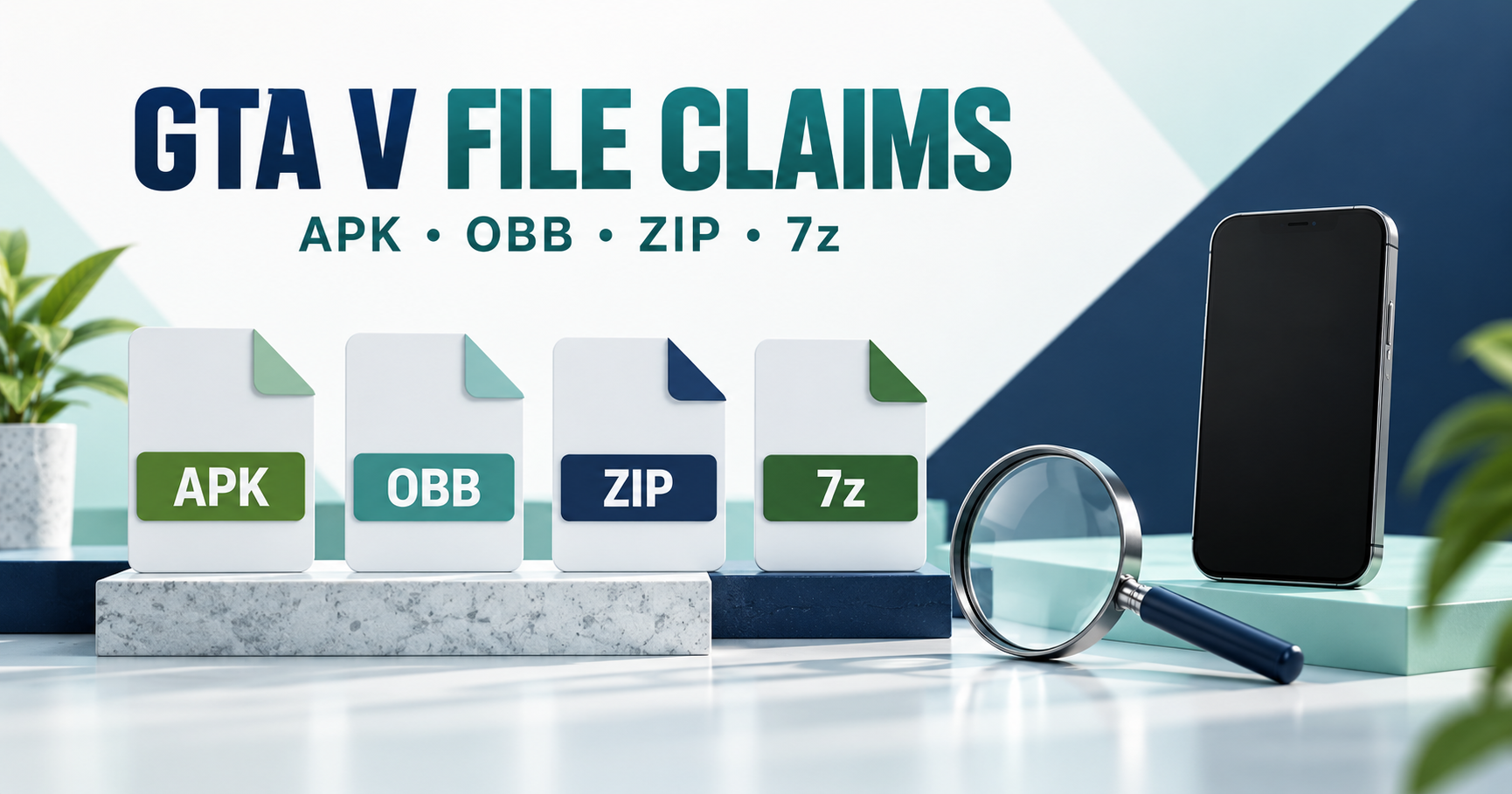
A file extension does not prove that a GTA V download is genuine or compatible. APK, OBB, ZIP and 7z describe different package or data formats. A file using one of these names is not, by itself, evidence of an official Rockstar Android release.
7z and ZIP are archive formats
7-Zip’s format documentation describes 7z as an archive format. Extracting an archive makes its contained files accessible; it does not convert a PC game into an Android application. Renaming a .7z or .zip file to .apk does not make it a valid Android installer.
APK and OBB have different roles
An APK is an Android application package. Android’s expansion-file documentation explains OBB files as app-associated expansion data. An OBB is not a universal standalone app installer. The name of a folder or a game-branded archive does not establish which app a data file belongs to.
Check identity before package handling
For a GTA V claim, begin with Rockstar’s game information and its PC listing. We have not verified an official native Android GTA V APK for this guide. Read our GTA V platform guide before treating an archive name as a game release.
Review the source, developer identity, file contents and any signing or checksum information supplied by an identifiable publisher. A checksum can help compare files when a trusted reference exists; a checksum supplied only by the same unknown file host does not independently verify a publisher.
Very small downloads and no-verification promises
A claimed size such as 22 MB, 35 MB or 50 MB does not establish what the file contains. It may be an installer, a different product or something else. We have not tested those advertised packages. A “100% working” or “no verification” label is not a compatibility test or a security check.
If Android rejects a package
Record the exact error. Do not force installation or move unknown expansion files into app folders simply because a page says they belong there. Our APK installation guide separates damaged, incompatible and conflicting packages; our source checklist covers trust limitations.
Frequently asked questions
Can extracting 7z create a native Android GTA V port?
Archive extraction does not perform that conversion.
Can an OBB install the game by itself?
Expansion data is associated with an app; it is not a universal standalone installer.
Does the GTA V name verify the contents?
No. Check an identifiable publisher and the actual supported platform.
Have you checked the advertised compressed packages?
No compressed GTA V package was installed or certified for this article.
Sources and review scope
Reviewed 15 October 2026 using the Rockstar, Android developer and 7-Zip documentation linked above. This is a file-format and source-checking explanation, not a download or extraction tutorial for an unverified game archive.