When a Trello board or attachment will not open on Android, first check the signed-in account, access to the board and where the file is hosted. An uploaded Trello file and a link to another storage service do not use the same access checks. Reinstalling the app cannot grant board membership or permission to a private external document.
Sources reviewed 20 October 2026. Documentation-based guide; no Android device or private-board test is claimed. Menu labels can differ between the mobile app and web interface.
Move to a new phone without losing unsent work
Check the old phone’s unsent changes before treating a new Trello installation as a completed move. A board visible on the replacement does not prove that every offline edit from the original device reached the service.
Atlassian’s Android troubleshooting guide warns that clearing cache, signing out or reinstalling can discard unsynced changes. Inspect sync indicators and the Sync Queue first. If changes will not send, its documented queue-export option provides a text description for recreating them; it is not a full board or attachment backup.
- Keep the old phone and its Trello data intact while checking the replacement.
- Confirm the intended account and board membership. Use the same board and card to compare both phones with the web interface.
- Inspect recent edits, checklist state and comments that matter to your work. Check any pending sync queue on the old phone before destructive troubleshooting.
- Open a representative uploaded attachment and a linked external file. Follow the separate account checks described below.
- Copy important locally downloaded files separately and open the copied files. Board synchronization does not itself demonstrate that a phone’s download folder moved.
- Retire the old installation only after important work is visible from the intended account and local-only files have a checked copy.
What if the app cannot finish signing in?
Check the precise failure and the browser used for the sign-in handoff. Atlassian’s Android guide discusses supported browsers and a work-profile error requiring an approved browser inside that same profile. Follow the current publisher and administrator guidance; do not assume installing another Trello package repairs account access.
Can support recover everything from the old phone?
Do not assume so. Preserve available unsent-change information and contact support before clearing the old installation. Share diagnostics through the authorized support channel, not a public board containing private content. Never send your password or account-recovery codes as part of a migration request.
New-phone section reviewed 23 October 2026. Documentation-based preservation checks; no phone migration test is claimed.
Identify the first point that fails
Open the board itself before following an attachment link from a message. Note whether the board is inaccessible, the card opens but its attachment does not, or only the preview fails. Keep the exact error rather than treating every failure as a missing Android permission.
| What you can open | Next question |
|---|---|
| No board access | Is the intended Trello account a member or otherwise allowed to view this board? |
| Board and card, but not an uploaded file | Is the attachment opening in a browser signed in to an authorized account? |
| Card, but not a linked cloud document | Does the account at the destination service have permission to that file? |
| File downloads but preview fails | Is this a preview issue or a problem opening the actual file? |
Check board access without making it public
Atlassian’s board visibility guide distinguishes private, Workspace, organization and public visibility. Private boards are visible to board members and, in paid Workspaces, Workspace administrators. Membership in a Workspace is not a universal promise of access to all its private boards.
Ask the board administrator to confirm the account that should have access. Do not make a board public as a troubleshooting shortcut: this changes who can see its contents. For a work board, follow the organization’s sharing rules. This article does not ask you to change visibility.
The board invitation instructions explain that a signed-in user without access can request to join and that invitations to new users need account verification. If your invitation and current account appear mismatched, give the administrator the account identity through a private channel and ask them to check the invitation. Do not repeatedly create replacement accounts.
Separate an uploaded attachment from an external link
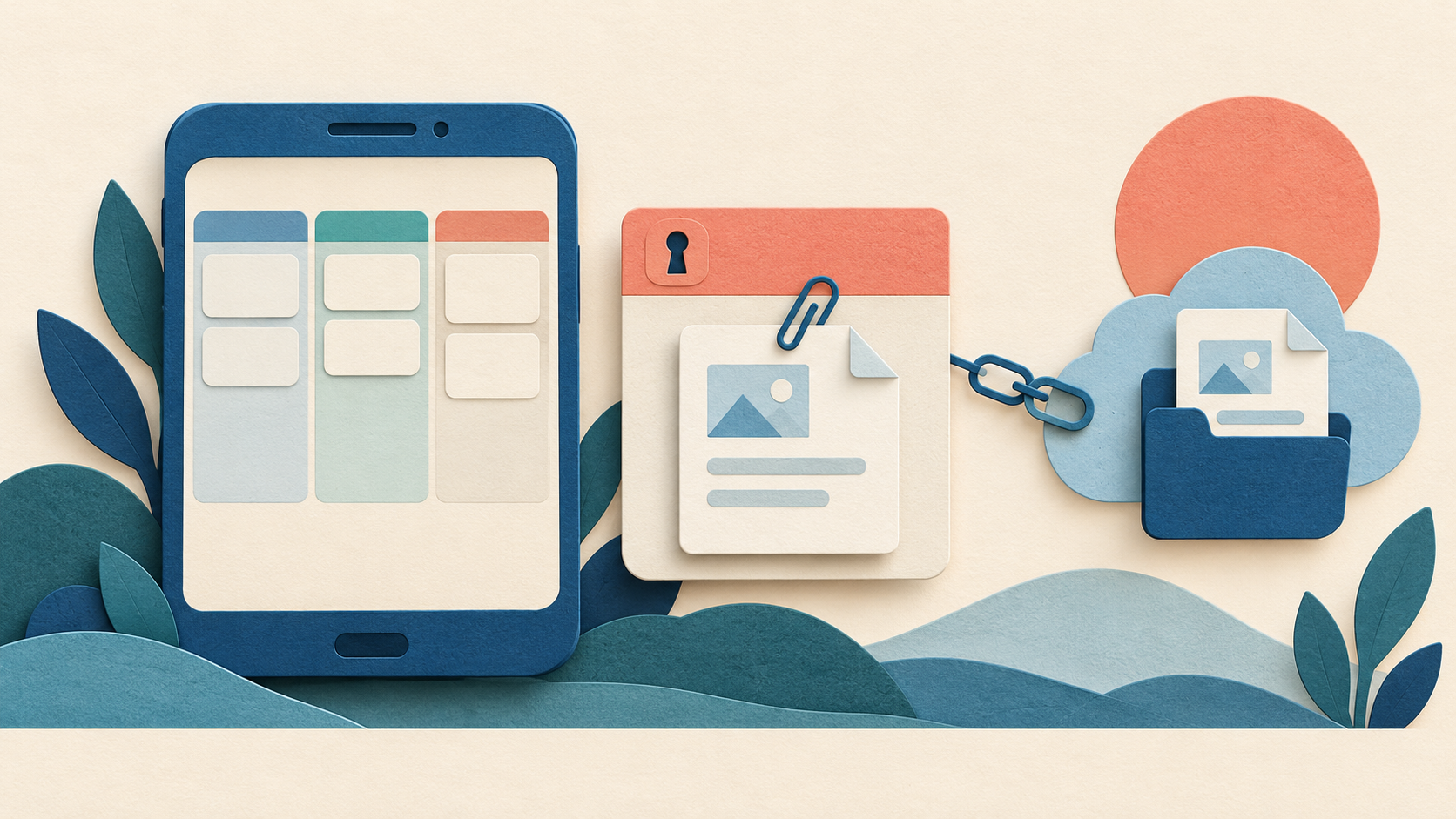
According to Trello’s attachment documentation, uploading creates a copy stored by Trello, while attaching a cloud-service link points to that service. Uploaded attachments on non-public boards require authorization. A browser opened from Android may be signed out even when the app itself is signed in. Sign in through the genuine service and reopen the card.
For a linked cloud document, board access alone does not establish file access at the destination. Check the destination account and ask the file owner to review the intended permission. A document owner may have removed or moved the file, or the link may identify a different item. Do not ask them to expose it publicly just to remove the error.
Atlassian notes that public-board attachments and previews remain accessible without an account. It also distinguishes the original local file from the uploaded copy: later edits to a local shared-drive file do not automatically update that uploaded attachment. Confirm which copy you need before replacing anything.
Use a controlled comparison
- Confirm the intended Trello account in the app.
- Open the board, then the card, then the attachment in that order.
- If it opens a browser or another app, check which account that destination is using.
- Compare with the same board and account on Trello’s web interface, if available. Record the result; this is a diagnostic comparison, not proof of a specific defect.
- For an external file, ask its owner to check the original link and your access at that service.
If the app behaves differently from the web interface after access is confirmed, check the publisher-supported app update and contact Trello support with the exact steps. Preserve unsynced work before clearing data or reinstalling. Our source checklist explains why an unrelated replacement APK is not evidence of a better or authorized build.
Why can I view a board but not edit it?
Visibility and editing rights are different. Atlassian’s board permission guide describes normal members, observers and other roles. An observer has read-only access; viewing a public board also does not make someone a board member. Ask the administrator which role is intended rather than interpreting every disabled action as an Android fault.
What information helps support?
Provide the app and Android versions, whether the same account opens the board on the web, the exact error and whether the attachment was uploaded or linked. Keep board content, private attachment URLs and personal details out of public reports. A description such as “card opens; external storage asks for access” is more useful than “Trello does not work.” Browse the Android guide directory for separate installation and file problems.