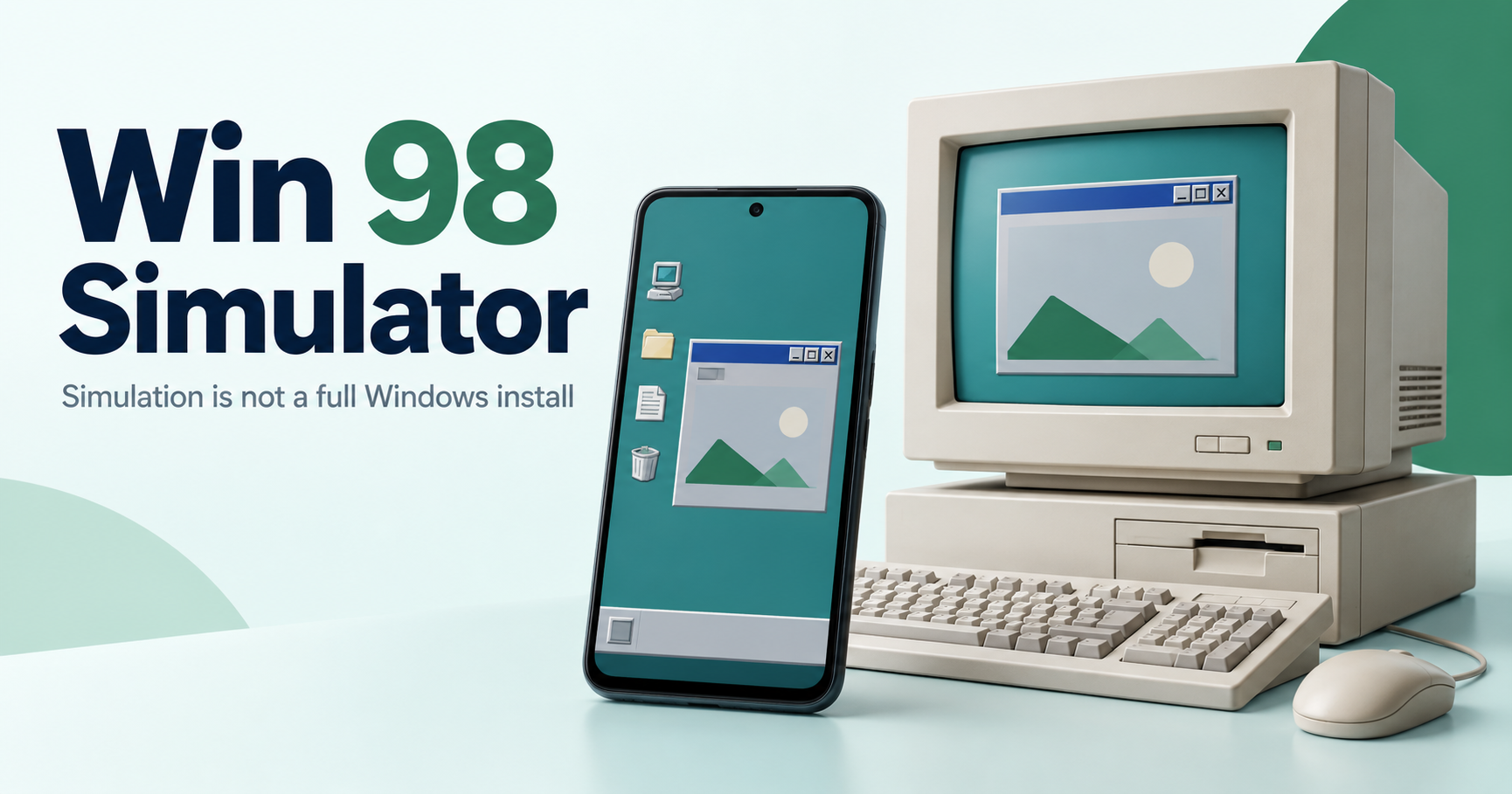
Win 98 Simulator is presented as a Windows 98-style Android simulation. Do not treat a simulator APK as a full Microsoft Windows operating-system installation, a Windows licence or proof that arbitrary desktop programs will run on your phone.
A project source you can inspect
The Win 98 Simulator public repository describes a Windows 98 simulator for Android and its source code. Its README mentions recreated programs and games. It also explains that icons and fonts have copyright considerations. A public repository is useful project context, but it does not automatically authenticate a binary from a separate download host.
Simulation, emulation and installation are different
An app can recreate a desktop’s appearance and selected behaviours without installing that operating system. Seeing a Start menu or a simulated program does not establish support for every old Windows application. Check what the project actually implements instead of relying on a tutorial that promises general desktop software compatibility.
Check any download against its project identity
Identify the developer, package identity, release source and supported Android requirements. A third-party page may repeat an old version number or store link. We have not confirmed current Google Play availability for this package, and an archived listing is not a current supported installation path. Avoid labelling a mirror file as publisher-verified without evidence.
Permissions and local files
Review access requested by the particular app build before using it with personal files. A retro interface does not reduce the importance of Android permissions or source verification. Back up important files before trying an app whose storage behaviour you do not understand. Do not run untrusted downloads through it merely because they appear old or nostalgic.
Licensing is not settled by age
A historic operating system’s name or visual assets are not automatically public-domain material. Read the project’s notices and the applicable software permissions before reusing or redistributing content. Our APK licence guide explains why a file format and distribution rights are separate.
What this guide does not test
We have not installed this build, tested its game catalogue or verified every advertised simulator feature. For actual Android installation failures, use our APK troubleshooting guide. For running Android packages on a computer, use the PC guide rather than confusing the simulator with a desktop operating system.