Choose a movie-download option by the title you want, your country, device and account plan. An Android APK alone cannot provide the rights or subscription needed for every film. Start with a service’s supported app and check whether the particular title offers offline viewing.
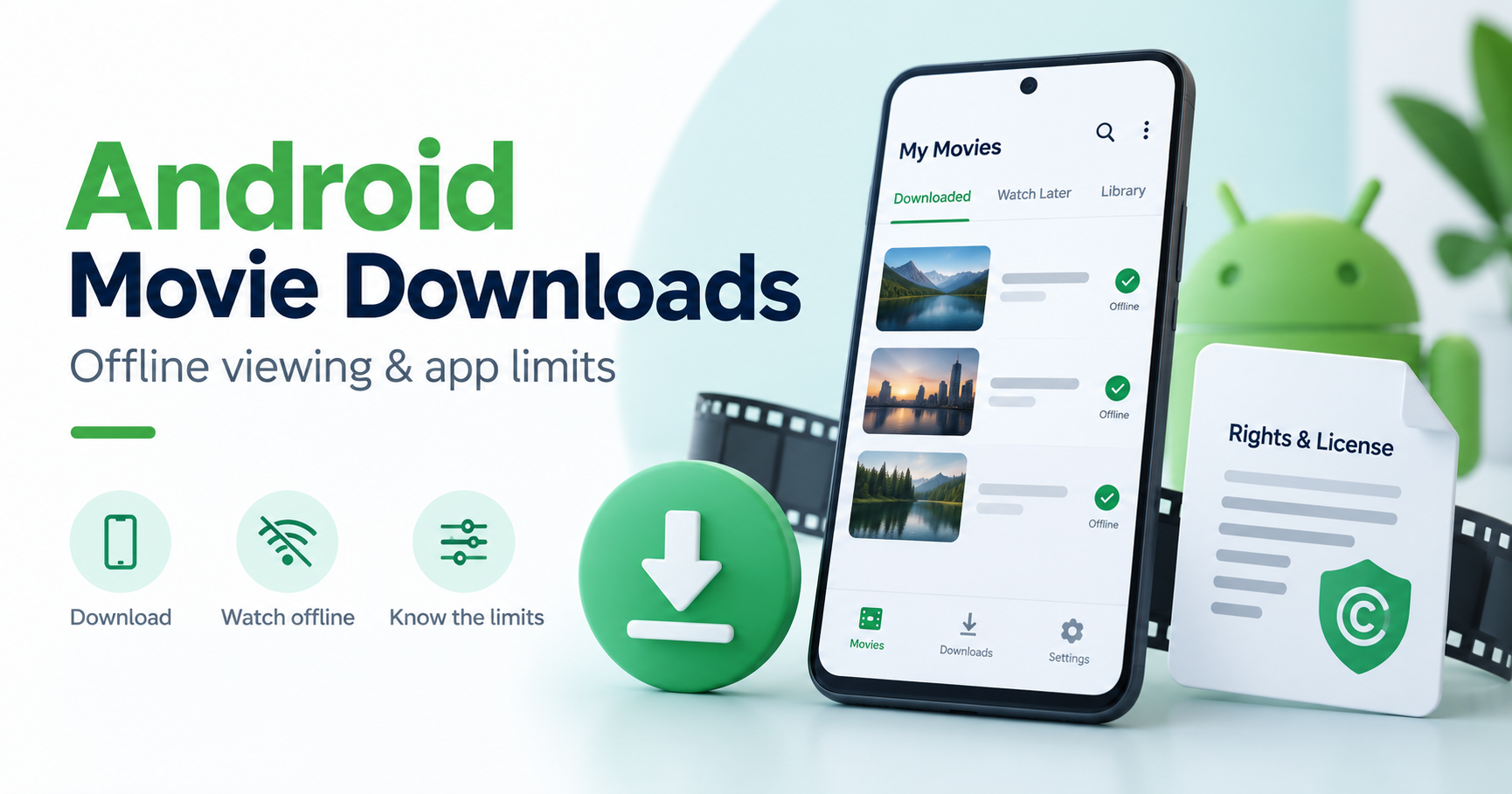
Check four things before installing
First confirm that the service offers your title in your region. Then check whether your plan permits downloads, whether your device is supported and whether that title has a download option. If one of these does not match, changing to an unofficial APK does not establish the missing access.
Netflix’s documented offline route
Netflix’s offline-download guide explains supported devices, finding downloadable titles and playback through the app. Not every title or setup has identical download availability. Use the current instructions instead of assuming an old Windows or TV tutorial applies to your device. Our Netflix Android guide links the genuine app source and account checks.
Other services have their own conditions
For Prime Video, check its official app and the eligible title’s viewing and download conditions. Our Prime Video guide provides the supported starting point. For YouTube content, use our official offline and upload-export guide. Do not assume that a download rule from one service applies to another.
Offline viewing is not necessarily a permanent file
A download kept inside a streaming app can have account, expiry and playback conditions. It is different from a video file that the rights holder explicitly permits you to save or redistribute. Download availability is not permission to upload someone else’s film to another site.
Compare practical requirements
Look at storage, selected quality, available language or subtitles, the number of devices you need and whether the app must periodically connect. Review the actual plan terms before paying. A claim such as “all films free in one APK” should require clear developer identity and rights evidence, not only a channel list or copied service logos.
Prepare for a trip
Download eligible titles using the supported app before leaving reliable Wi-Fi. Open a short section of each download using its normal offline controls and verify the required audio or subtitle track. Leave enough storage for the device to operate. This is a preparation checklist, not a report that we tested every streaming app.
If downloading fails
Record whether the app cannot install, the title has no Download option or an existing download will not play. Use the service’s support for account and title conditions. Our APK transfer-error guide applies to package files, while in-app movie downloads have service-specific requirements.