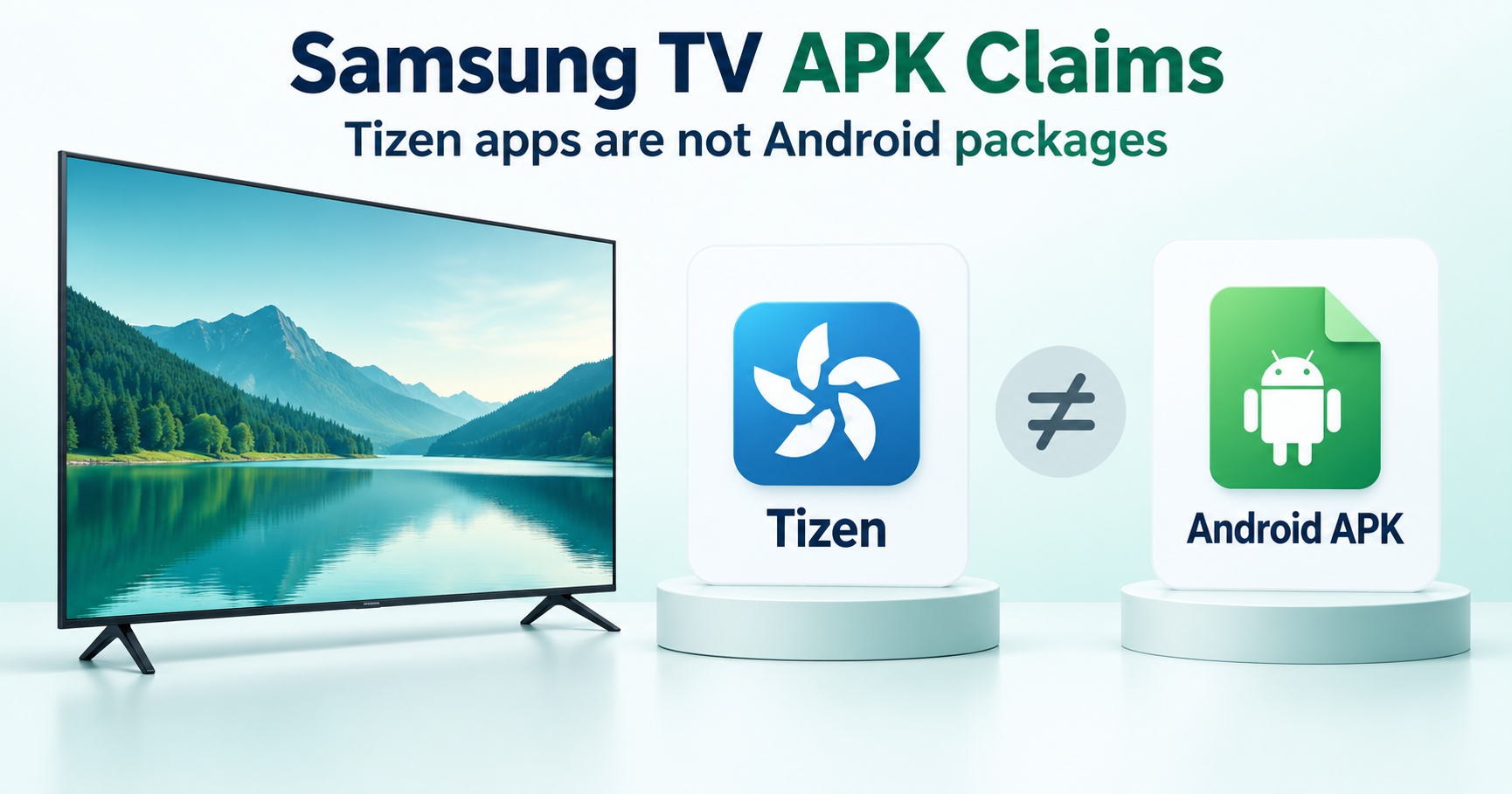
An Android APK is not a Samsung Tizen TV app package. For a Samsung television running Tizen, begin with its supported Apps interface and the app developer’s TV compatibility information. Copying a phone APK to a USB drive does not convert it into a Tizen app.
Check the model and operating system
Identify the exact television model and its software platform. A Samsung phone’s Android instructions do not establish a television’s installation options. A connected Android or Fire TV device is also a separate device, even when its picture appears on the Samsung screen. Keep the TV and external player’s app requirements separate.
Find an app through Samsung’s supported interface
Samsung’s Smart TV app guide explains how to search for supported apps, select an app and install it. Availability can depend on the model and region. If an app is absent, check its publisher’s supported devices rather than downloading a phone edition and assuming it will work.
Tizen development packages are different
Samsung’s Tizen Studio documentation describes signed WGT packages for its TV development workflow. That is not an Android APK installer. Developer tools and certificates are intended for their documented purpose; they do not make any Android download compatible with a television. Renaming a file extension cannot translate its code and platform dependencies.
Casting and external players
If the service supports casting, screen sharing or an external player, check its own instructions for your devices. Casting content is different from installing the phone app on the TV. An external device must support the service and its account requirements in its own right. A new APK cannot establish access to a paid channel or content subscription.
When a supported TV app is not working
Note whether the app is missing from the store, fails to install, crashes or rejects a login. Check software updates, available storage and the publisher’s TV support. Avoid an immediate factory reset; it can remove settings and accounts without resolving an unsupported app. Obtain model-specific help from Samsung when the menu or error is unclear.
Why the download source still matters
A page promising a “Samsung Smart TV APK” should identify the supported platform and publisher. We do not provide a certified Android-to-Tizen conversion or a tested universal USB method. Browse our device guides for the differences between PC, Chromebook, Android TV and Fire TV.