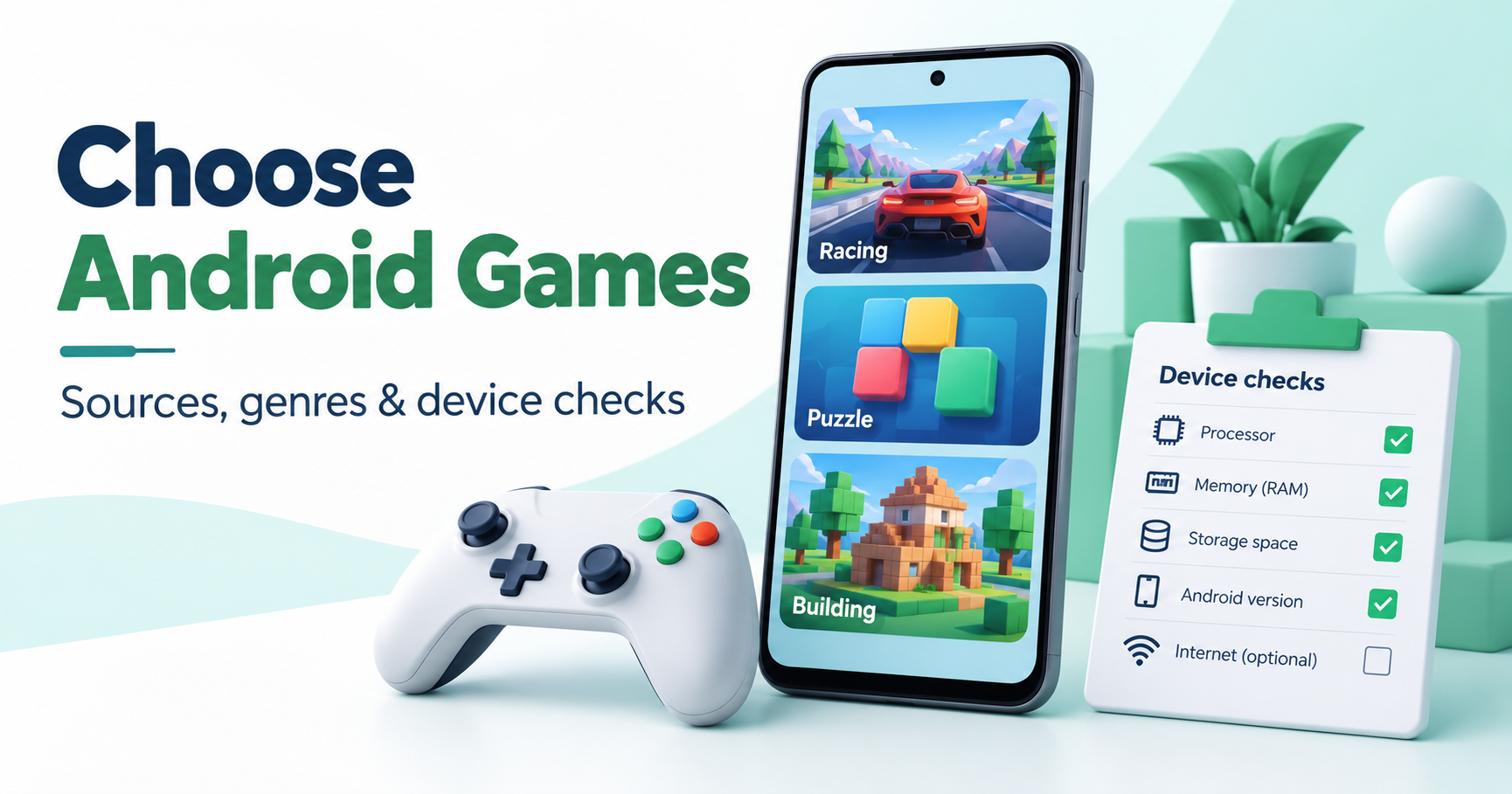
Choose an Android game by its genre, device requirements, cost and online needs, then use the publisher’s supported listing. A generic “best APK games” ranking cannot tell you whether a specific package is genuine or whether the game fits your phone.
A source-based starting list
For building and exploration, see our Minecraft Android guide, which separates the full game from an official trial. For a vehicle simulation, the Truckers of Europe 3 guide identifies Wanda Software’s listing. For plant-based defence, compare the original Plants vs. Zombies and PvZ3 Evolved guides instead of mixing their availability and requirements. These are publisher-source entry points, not our hands-on performance ranking.
Check the real game identity
Match the exact title, publisher and supported store page. A similar icon or a year added to the name can refer to an unofficial patch or a different product. Our Winning Eleven and eFootball guide explains that problem for football downloads, while the GTA V Android claims guide separates official platforms from an unsupported mobile APK promise.
Costs and purchases
Free installation does not mean all content, currency or expansions are free. Check advertising, in-app purchases, subscriptions and the account used for a legitimate transaction. An unlimited-resource file is not proof of authorised purchases or a supported saved-game path.
Device support and performance
Use current publisher requirements for Android version, available storage and supported hardware. Consider touch controls, download size and your device’s thermal or battery limits. We have not benchmarked every game on every phone; a copied “runs smoothly on all devices” claim would not be reliable.
Online and offline requirements
Identify which mode you intend to play. A game can offer local play but need a connection for multiplayer, account checks, updates or particular features. Our offline-game checklist explains how to prepare and confirm the mode you need before travelling.
Before changing a version
Protect progress using documented backup or account-linking options. Do not uninstall a working copy only to force a differently signed package to install. Read the version and update guide when the package source changes.
How this selection works
The list is organised by a game’s documented identity and purpose. It does not claim that we played every release or verified an unidentified APK. Use our installation guide for package errors and the developer’s support for game-specific problems.