Prevent usually means keeping something from happening. Stop can mean ending an activity or keeping something from happening, depending on the sentence. The two words overlap, so the rule “prevent is always before, stop is always after” is too rigid.
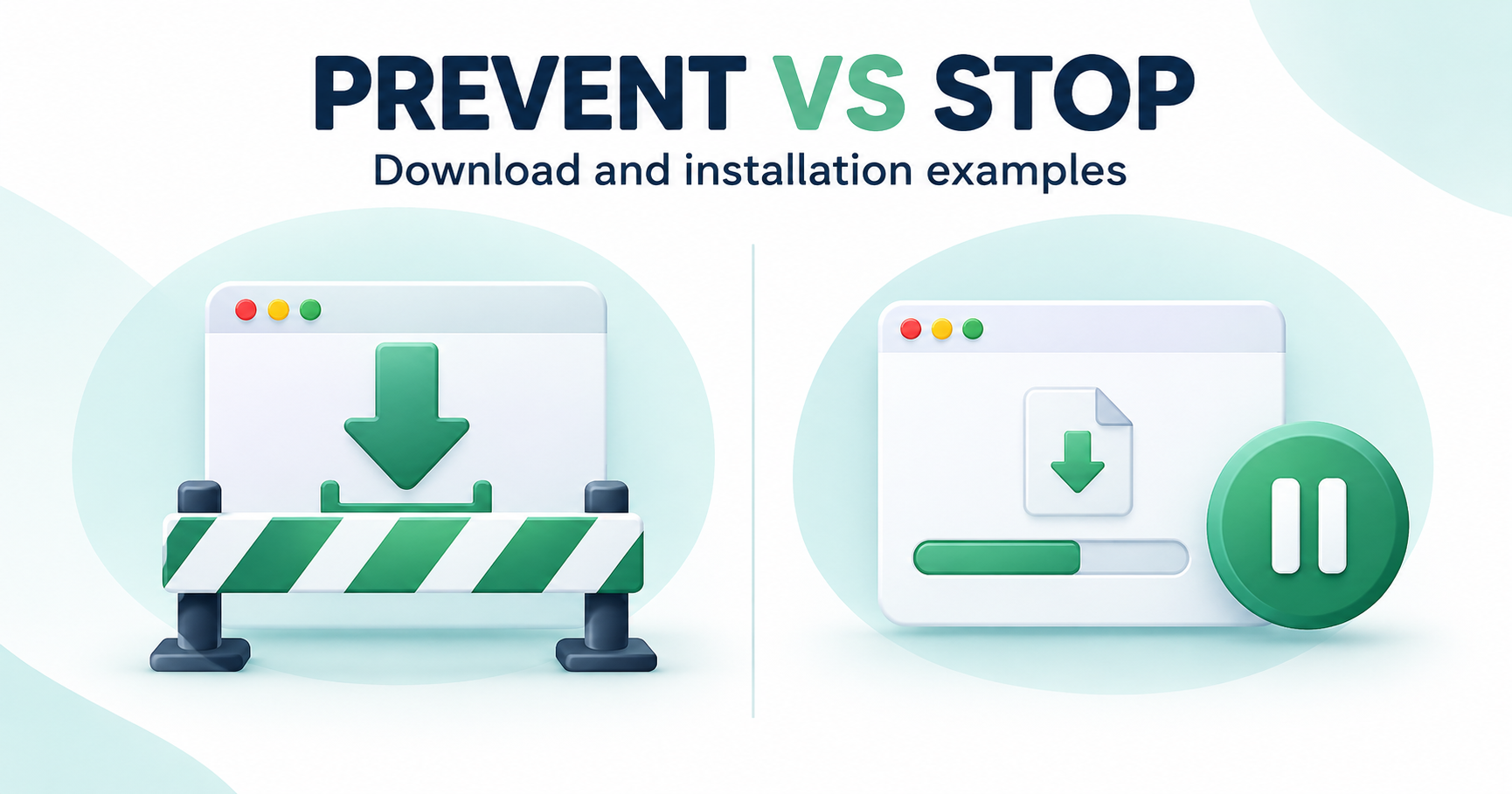
Common uses of prevent
“Prevent an accidental installation” describes avoiding that installation. “Prevent an app from installing packages” focuses on a restriction affecting what the app can do. Cambridge’s prevent entry explains this sense. It does not mean every preventive measure guarantees that all related events are impossible.
Common uses of stop
“Stop this download” can mean cancel a transfer already running. “Stop unwanted installations” can mean prevent them from occurring. Cambridge’s stop entry includes both preventing and ending senses. Read the surrounding sentence to identify the intended action.
Download and installation are separate events
Turning off an app’s installation permission does not necessarily prevent it from saving an APK file. Cancelling an active transfer also does not uninstall an app already on the device. A guide should name which action its steps affect rather than using “block APK” for all of them.
Examples that make the scope clearer
“Cancel the browser transfer” identifies the current download. “Turn off unneeded install access for this source” identifies an installation permission. “Remove the saved file” identifies a file-management action. These examples describe different tasks, and each should use the device’s supported controls.
Choose the correct technical guide
Our APK installation-control guide explains per-source permissions and cancellation. If a file is not downloading, use the transfer-error guide. If a saved package cannot install, use the installation guide. This article explains wording; it is not a guarantee that one setting blocks every download source.