Sources reviewed 18 October 2026. Documentation-based guide; no physical-device test is claimed.
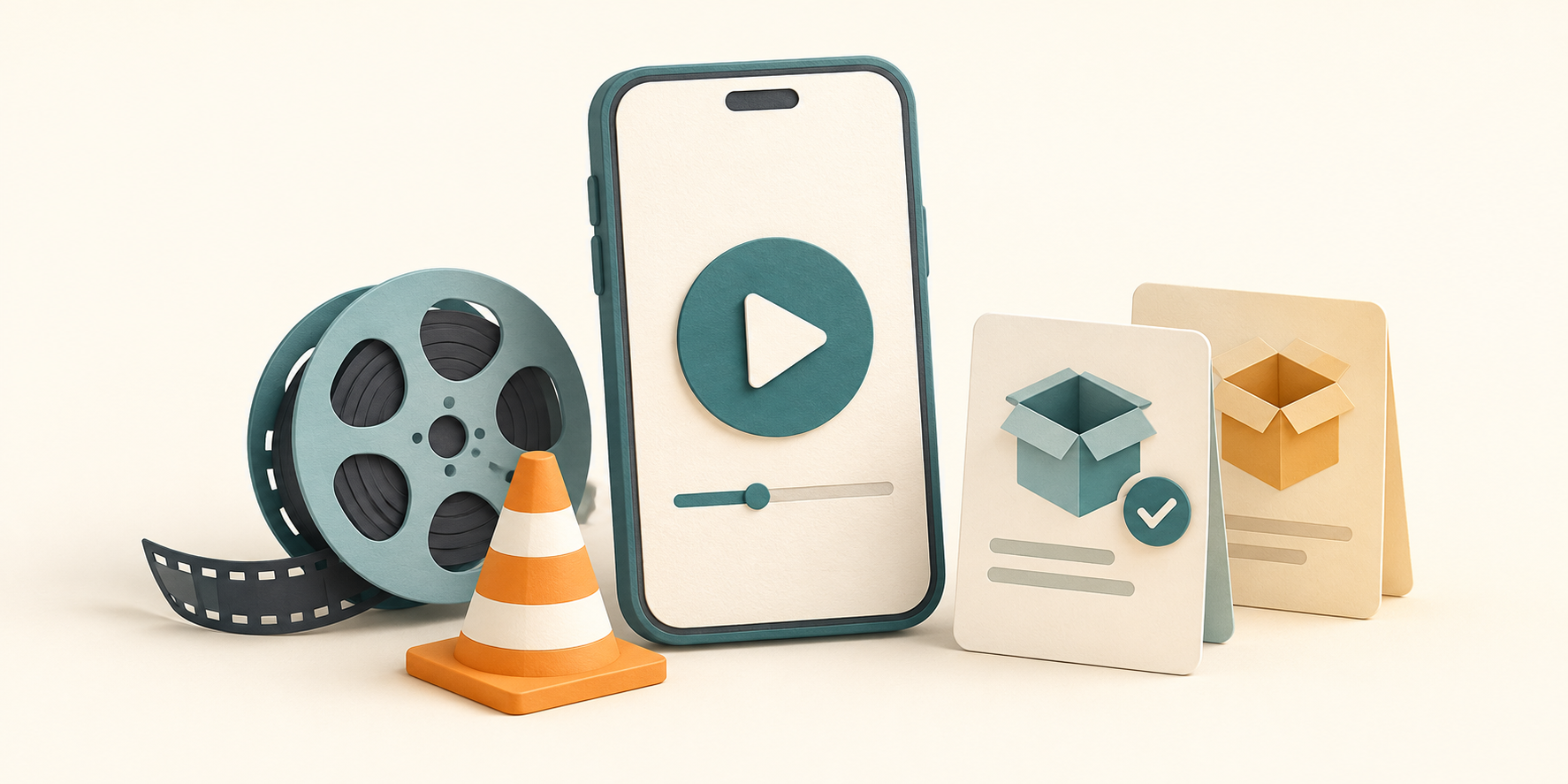
Start at VideoLAN’s Android download page to obtain VLC from a publisher-linked store or its APK mirrors. Choose the Android release and a build your device supports. A matching app name or orange cone on another website does not establish who supplied the file.
Choose an official starting point
VideoLAN’s Android page links to Google Play, Amazon, Huawei AppGallery, F-Droid and direct APK mirrors. The Google Play destination identifies the package as org.videolan.vlc. Follow a publisher link instead of a search advertisement promising a special unlocked edition.
At review, VideoLAN lists Android release 3.7.0. This is a dated observation, not a promise that it will remain the latest release. Recheck the page when downloading. VLC is a media player; installing it does not grant access to paid films or streaming subscriptions.
Store installation or an APK?
| Route | What to check |
|---|---|
| Publisher-linked app store | The listing and device eligibility shown by that store. |
| VideoLAN APK mirrors | The release folder, variant and exact downloaded file. |
| An unrelated repackaged APK | Do not assume VideoLAN supplied or approved it. |
Check the device before choosing a variant
The download page distinguishes older Android support from the current version. It currently pairs Android 4.2 with “platform-14,” which is an inconsistent version/API label. Do not use that line alone to decide compatibility: check the selected release’s requirements and the store or installer response on your device. An old supported release is not equivalent to a maintained current release.
When a direct download offers architecture variants, use the device’s supported Android ABI rather than guessing from RAM or the processor’s advertising name. Our ARM64 versus ARM guide explains the distinction. Package formats are covered separately in APK, XAPK and APKM explained.
Make the first playback check useful
- Install through the chosen official route.
- Open a small local video that you own and know should play.
- Grant media access only as needed for the files you intend to open.
- Record whether the problem concerns installation, finding files, sound or a particular video.
This separates a package problem from a media problem. If the installer fails, use APK installation troubleshooting; if a library is empty, first check the file location and allowed access.
Does an official download guarantee every video will play?
No. File condition, available tracks and device decoding support still matter. VideoLAN describes both software and hardware decoding, with hardware support varying by device. This article reports documentation, not a device benchmark or a universal playback test.
See the Android guide directory for related installation help.