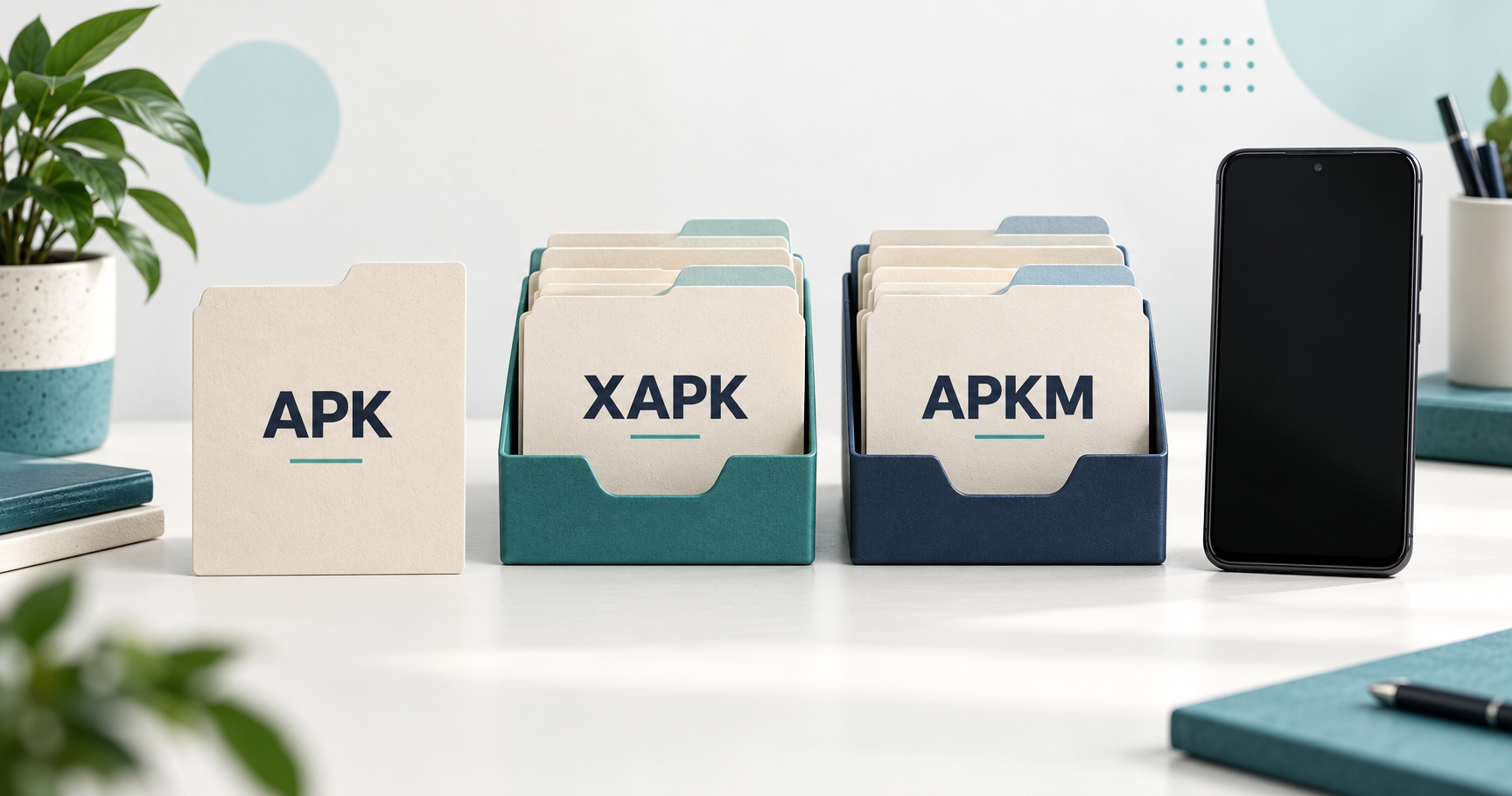
APK is Android’s installable package format. XAPK and APKM package app installation files together, so they can require a compatible installer rather than a normal tap-to-install workflow. Choose a file using its verified source, device requirements and documented installation method—not the extension alone. Renaming a file does not convert it.
Reviewed October 16, 2026. This guide compares file formats using the primary sources below. It is not a hands-on test of a downloaded package, an endorsement of every repository file or a guarantee that a particular app will run on your device.
APK, XAPK and APKM at a glance
| Format | What the label tells you | Installation consideration |
|---|---|---|
| APK | An Android app package; it may be a standalone package or one component of a split release | A complete compatible standalone APK can use Android’s installer; a split component may need other parts |
| XAPK | A distribution container that can include APK files and additional resources | Follow the source’s supported installation method with a compatible tool |
| APKM | A bundle format associated with APKMirror distribution | Use a documented compatible installer to handle the required package set |
Why one app can need more than one APK
An app release does not always arrive as one self-contained file. Android supports split packages that separate shared app code from device-specific or feature resources. The installed components work together as one app. A file called base.apk is therefore not proof that you have everything needed to install or run the release.
Google Play uses Android App Bundles to generate suitable APKs for delivery. The developer’s publishing bundle and the files delivered to a phone serve different roles. Read Android Developers’ app bundle and split APK explanation for the underlying mechanism. For a broader introduction, see what an APK is.
What to check when the file ends in .xapk
APKPure describes XAPK as a container that can include app packages together with resources such as OBB data or split APKs. Its XAPK installation instructions use a compatible installer. A normal system installer rejecting that container does not, by itself, prove the download is corrupt.
Check the release page before proceeding: does it explain which installer is supported, what Android version is required and what the package contains? If those details are missing, ask the publisher or use its supported store listing. Avoid trying several unrelated installers simply because they advertise the same extension.
What to check when the file ends in .apkm
APKMirror documents APKM support in APKMirror Installer, which also lists support for regular APKs and other bundle containers. Consult the current official listing rather than assuming every installer version supports every file.
The file format does not replace the usual publisher and compatibility checks. Our APKMirror source and variant guide covers the repository-specific questions; this comparison focuses on the format and installation decision.
A practical checklist before opening any package
- Identify the app and source. Match the app name and developer to the publisher’s documented distribution. Read the APK source and permission checklist if the download page is unclear.
- Check the complete download. Confirm the browser reports completion. For interrupted transfers, start with the download failed guide before investigating installation.
- Read the release requirements. Compare Android version, supported hardware and package instructions. A matching extension does not establish device compatibility.
- Protect existing data. Before replacing an installed app, check its backup and recovery options. Do not uninstall it just to make a different package install.
- Use the documented method. Follow the verified source’s installer guidance. Keep device protections enabled and investigate warnings rather than treating them as a routine obstacle.
Why renaming XAPK or APKM to APK does not fix installation
Changing the filename changes its label, not the package contents. It cannot supply missing components, make an incompatible release support your phone or establish a publisher’s identity. Likewise, extracting one file from a container is not evidence that the result is a complete standalone app.
If you already renamed a file, return to the original verified release instructions. Record the exact error and the original file type. Our APK not installing guide separates package, compatibility and update problems. For a standalone APK, use the Android installation walkthrough.
Frequently asked questions
Which is better: APK, XAPK or APKM?
There is no universal winner. Use the supported release and distribution method for the app and device. A convenient extension is not a quality or safety score.
Is an APK always a complete app?
No. An APK can also be a component of a split release. Check whether the publisher provides a standalone package or a required set.
Does XAPK mean a paid app is free?
No. Packaging does not establish a licence, purchase or subscription entitlement.
Can these formats install Android apps natively on iPhone?
No. Changing the container does not change the target operating system. See APK compatibility with iPhone and iPad.
What should I send when asking for installation help?
Provide the device model, Android version, exact error, original file extension and the publisher’s release page. Remove account details from screenshots. Do not send passwords or private app data.
How this comparison fits our Android guides
Use this page to identify the file format. Use the installation and troubleshooting guides linked above for the next action. Browse the Android app guide directory for related topics, or report an outdated instruction with its source.